
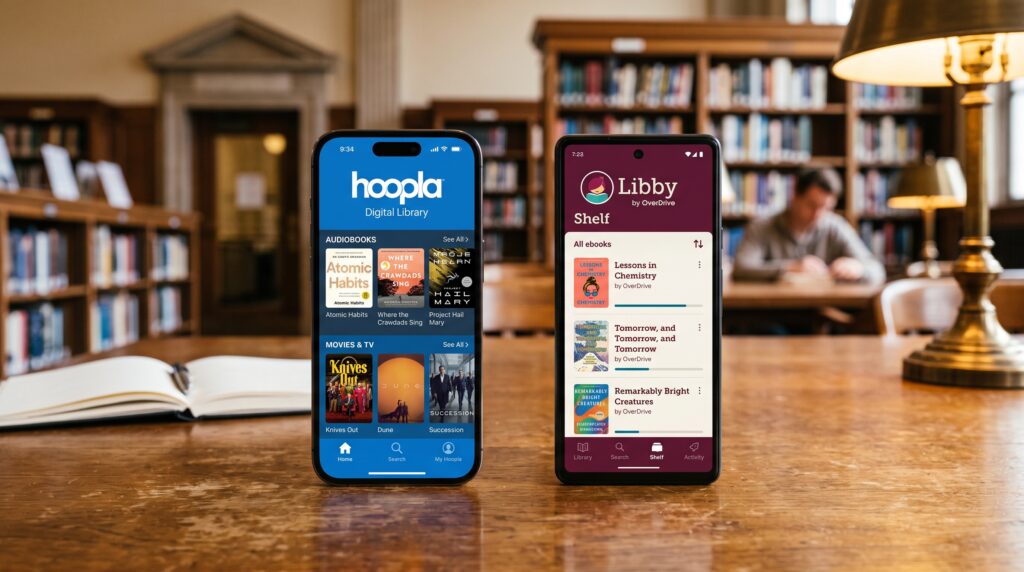
Hoopla or Libby: Which Library App Is Better? Complete Comparison Guide
Choosing between Hoopla or Libby can be confusing because both apps offer free digital content through libraries. They allow users to borrow ebooks, audiobooks, and other media without buying expensive subscriptions.
Although they serve a similar purpose, Hoopla and Libby work differently. Libby focuses mainly on ebooks and audiobooks through library borrowing systems, while Hoopla offers a wider range of digital entertainment, including movies, music, comics, and more.
This guide explains the differences between Hoopla and Libby, including features, availability, content options, borrowing process, and which app is better for different users.
Quick Answer: Hoopla or Libby?
Libby is better for readers who want a large selection of ebooks and audiobooks. Hoopla is better for users who want access to a wider variety of digital content like movies, music, and comics.
Choose Libby for reading. Choose Hoopla for broader entertainment options.
What Is Libby?
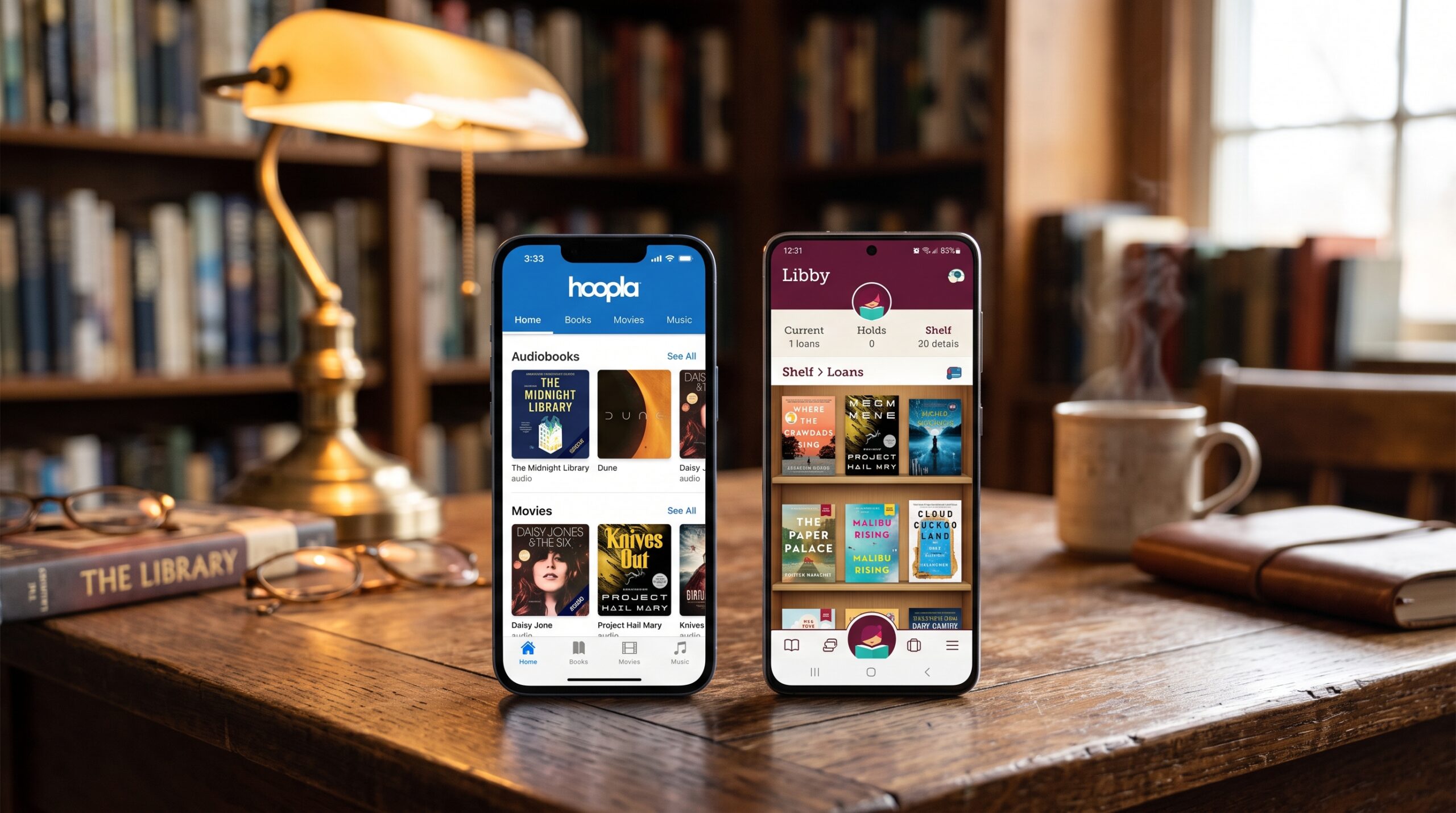
Libby is a digital library app created by OverDrive that allows library members to borrow digital books and audiobooks.
Libby provides access to:
• Ebooks
• Audiobooks
• Magazines
• Digital reading materials
Users connect their library card and borrow content directly through participating libraries.
Libby Features and Benefits
Libby offers:
• Easy book browsing
• Reading customization
• Audiobook playback
• Offline downloads
• Simple library borrowing
It is designed mainly for people who love reading.
Key insight: Libby feels like a digital version of a traditional library.
What Is Hoopla?
Hoopla is a digital media service that partners with libraries to provide access to different types of entertainment content.
Hoopla offers:
• Ebooks
• Audiobooks
• Movies
• TV shows
• Music
• Comics
It gives users more than just reading materials.
Hoopla Features and Benefits
Hoopla provides:
• Instant borrowing options
• Multiple media categories
• Easy streaming
• Mobile friendly access
It is useful for users who want entertainment beyond books.
Key insight: Hoopla works like an all in one digital library service.
Hoopla vs Libby: Main Differences
| Feature | Hoopla | Libby |
|---|---|---|
| Main Focus | Digital entertainment | Books and audiobooks |
| Content | Books, movies, music, comics | Mostly books and magazines |
| Borrowing Style | Often instant access | Library checkout system |
| Best For | Mixed media users | Readers |
| Reading Experience | Good | Excellent |
| Library Collection | Depends on library | Often larger ebook collections |
Real World Usage Scenarios
Example 1: Reading Many Books
Person: “I want to read novels and nonfiction books.”
Better choice: Libby
🎯 Lesson: Libby is built around a strong reading experience.
Example 2: Listening to Audiobooks
Person: “I want free audiobooks while traveling.”
Better choice: Both
🎯 Lesson: Both apps support audiobooks, depending on library availability.
Example 3: Watching Movies
Person: “I want free movies through my library.”
Better choice: Hoopla
🎯 Lesson: Hoopla offers entertainment categories beyond books.
Example 4: Simple Library Borrowing
Person: “I only need ebooks from my local library.”
Better choice: Libby
🎯 Lesson: Libby provides a traditional library style experience.
Common Mistakes When Choosing Hoopla or Libby
Mistake 1: Thinking both apps have the same content
Why it happens:
Both are library apps.
Correction:
Their collections and features are different.
Mistake 2: Assuming every library offers both
Why it happens:
People expect the same access everywhere.
Correction:
Availability depends on your local library system.
Mistake 3: Choosing based only on popularity
Why it happens:
Many users recommend different apps.
Correction:
Choose based on what type of content you need.
Memory Trick: Hoopla vs Libby
Remember:
Hoopla = Huge variety
Libby = Library books
Expert Insight: Which App Should You Use?
The better choice depends on your digital library needs.
Libby is ideal for:
• Frequent readers
• Ebook lovers
• Audiobook users
• People who want a book focused experience
Hoopla is ideal for:
• Families
• Movie watchers
• Music listeners
• Users who want different media types
Both apps provide valuable library access, but they are designed for different types of users.
Conclusion: Hoopla or Libby?
The choice between Hoopla or Libby depends on how you use digital library services.
Choose Libby if books and audiobooks are your main priority.
Choose Hoopla if you want a wider range of digital entertainment.
Both are excellent free library apps, and the best option depends on whether you want a focused reading experience or a complete digital media collection.
